
Brick Technic Instructions Pro1.1 - Google Play
You'll be able to see results in few seconds.
Publisher Description
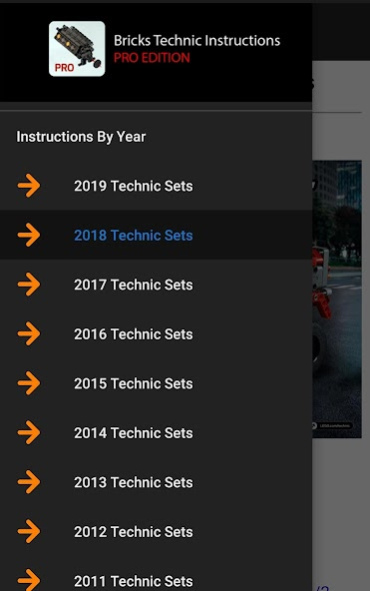
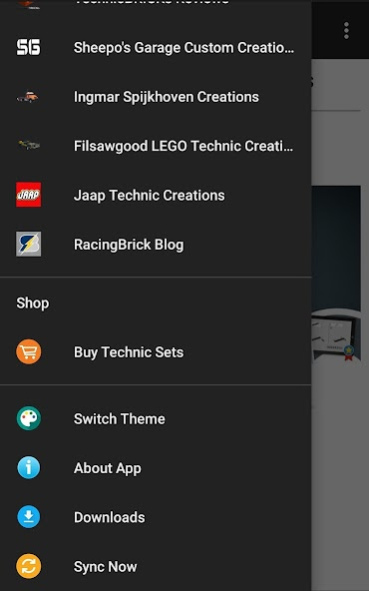
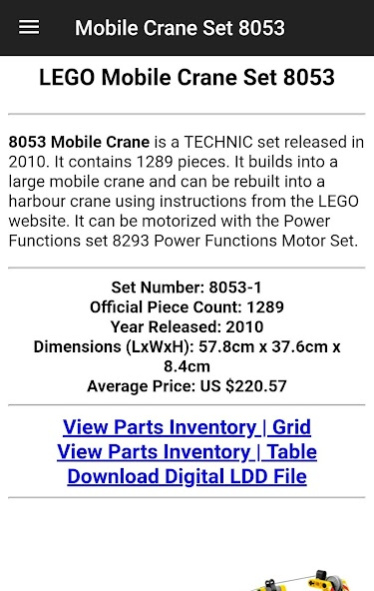
Technic Instructions Guide Professional Edition provides Technic Building Instructions in case If you want to build new sets or you lost your original instruction booklets with amazing new features included only on the pro version.
App features:
1- Over 200 Technic sets are available in the database and always up to date.
2- All Technic sets are categorized by type such as (cranes, super cars, buggies, motorcycles, etc...). also categorized by release date (Pro version)
3- View parts inventory in table view or grid view to check that you have the parts needed to build this set.
4- Download 3D model for selected sets.
5- All sets are provide with images, description and quick info.
6- Journal for the latest news and reviews for the most famous builder.
7- Including motors chart, wheels chart, gear ratio table and colors palette chart.
8- Six amazing user interface themes to choose from to match you style and mood.
9- Very light weight app which is less than 20 mega bytes.
10- Download instructions directly to you internal storage so you can view them later anytime and anywhere.
11- Sets history guide.
12- Tire on wheel guide.
13- All sets now are categorized by year.
14- Dedicated downloads folder to save your downloads.
15- Power Functions guide.
Disclaimer:
- This is an unofficial app and presented by an indirect name to emphasize that.
- Internet connection is required.
About Brick Technic Instructions Pro
The company that develops Brick Technic Instructions Pro is ROXU Tech.. The latest version released by its developer is 1.1.
To install Brick Technic Instructions Pro on your Android device, just click the green Continue To App button above to start the installation process. The app is listed on our website since 2019-08-11 and was downloaded 0 times. We have already checked if the download link is safe, however for your own protection we recommend that you scan the downloaded app with your antivirus. Your antivirus may detect the Brick Technic Instructions Pro as malware as malware if the download link to com.roxutech.bricks.technic.guide.pro is broken.
How to install Brick Technic Instructions Pro on your Android device:
- Click on the Continue To App button on our website. This will redirect you to Google Play.
- Once the Brick Technic Instructions Pro is shown in the Google Play listing of your Android device, you can start its download and installation. Tap on the Install button located below the search bar and to the right of the app icon.
- A pop-up window with the permissions required by Brick Technic Instructions Pro will be shown. Click on Accept to continue the process.
- Brick Technic Instructions Pro will be downloaded onto your device, displaying a progress. Once the download completes, the installation will start and you'll get a notification after the installation is finished.
Program Details
System requirements
Download information
Pricing
Version History
version 1.1
posted on 2019-08-11
- Added Search option
- minor Bug Fixes
Disclaimer
Official Google Play Link
We do not host Brick Technic Instructions Pro on our servers. We did not scan it for viruses, adware, spyware or other type of malware. This app is hosted by Google and passed their terms and conditions to be listed there. We recommend caution when installing it.
The Google Play link for Brick Technic Instructions Pro is provided to you by apps112.com without any warranties, representations or guarantees of any kind, so access it at your own risk.
If you have questions regarding this particular app contact the publisher directly. For questions about the functionalities of apps112.com contact us.
